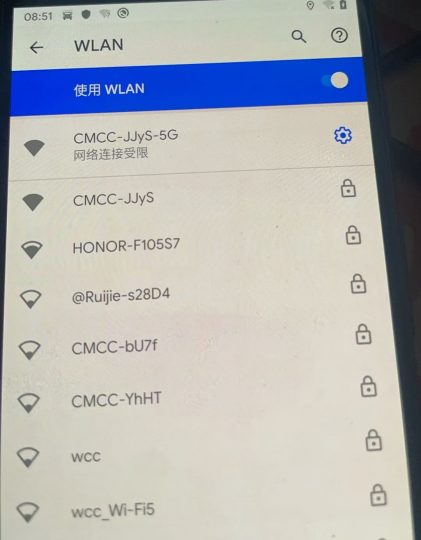



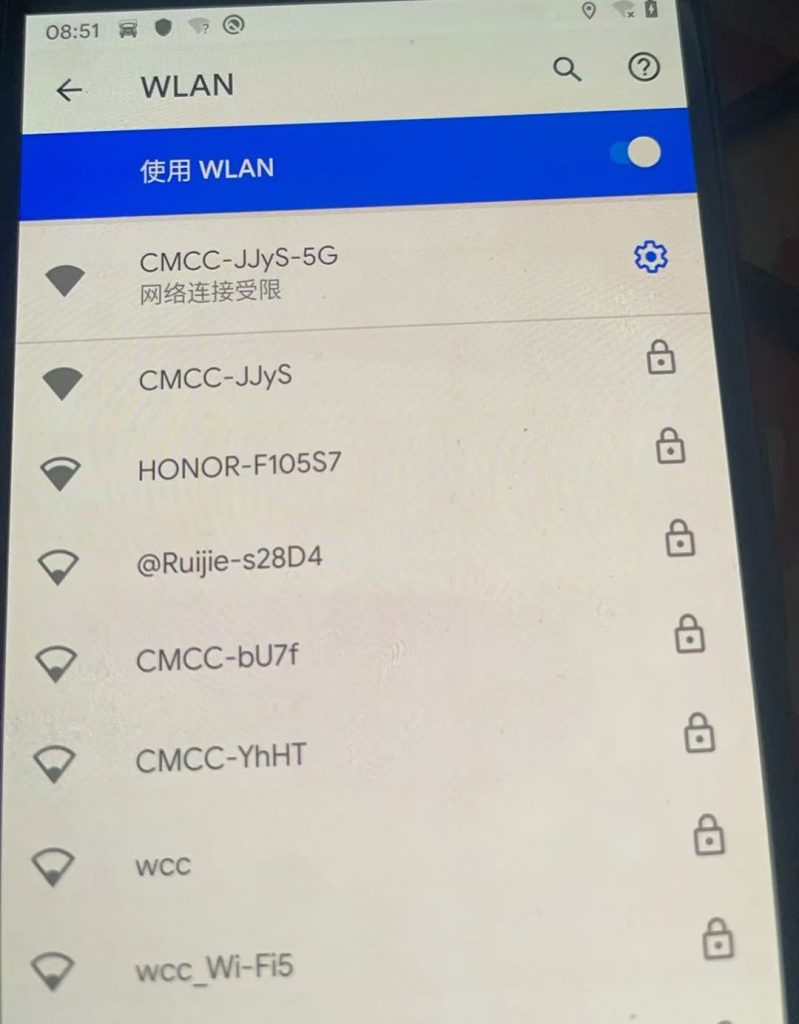
当使用lineageos 原生系统连接WiFi时出现了 网络连接受限 、已连接,但无法访问互联网、开机后wifi有感叹号、时间无法同步
如图所示:
解决方法:
不用ROOT也可以解决
只要在手机的SHELL里(或adb shell)执行以下语句:
walleye:/ # settings put global captive_portal_http_url https://www.google.cn/generate_204
walleye:/ # settings put global captive_portal_https_url https://www.google.cn/generate_204
walleye:/ # settings put global ntp_server 1.hk.pool.ntp.org
walleye:/ # reboot
注意语句为 # 号后面的,reboot 为重启手机

后续只要把时区调对,时间会自动同步的。
© 版权声明
文章版权归作者所有,未经允许请勿转载。
THE END








![表情[touxiao]-五云学习](https://www.wuyunai.com/wp-content/themes/zibll/img/smilies/touxiao.gif)




暂无评论内容